3 Free AI Tools for Educators in 2026: Boost Productivity Without Breaking the Bank
3 Free AI Tools for Educators in 2026: Boost Productivity Without Breaking the Bank. As classrooms evolve, educators face increasing demands on their time, from lesson planning to personalized feedback. Integrating AI tools can alleviate some of this burden, but budget constraints often limit options. This review cuts through the marketing hype to identify genuinely useful, free AI tools available to educators in 2026, focusing on practical applications and inherent limitations. We’ll compare NotebookLM, Mochi-1, and Hypotenuse AI, examining how each can support teaching workflows without requiring a departmental budget. For deeper insights into Google's approach to AI, reference their official AI documentation as of 2026.
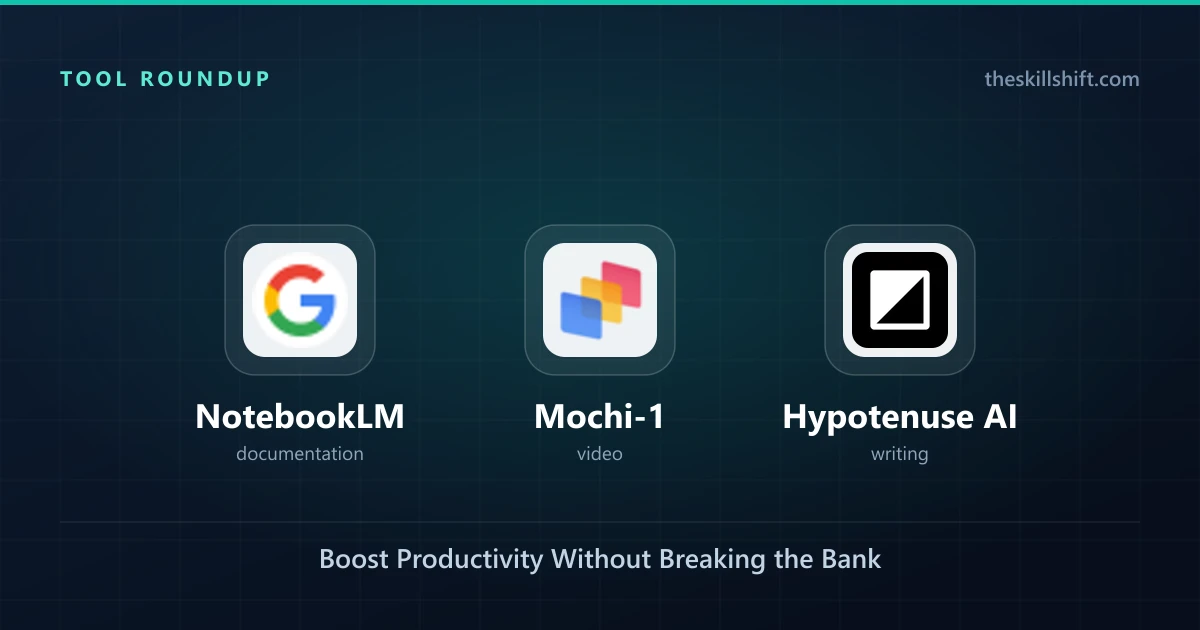
- Best for Research Synthesis: NotebookLM – Consolidate and understand vast teaching materials.
- Best for Rapid Study Material Creation: Mochi-1 – Generate flashcards and quizzes quickly.
- Best for Quick Text Drafts: Hypotenuse AI – Produce administrative or communication texts fast.
NotebookLM: Your AI Research Assistant
NotebookLM, Google's AI-powered notetaker, stands out as a powerful tool for educators managing extensive research and diverse source materials. It functions as a personalized knowledge base, allowing you to upload documents—syllabi, articles, textbooks, student papers—and query them conversationally. The UI presents a clean workspace where uploaded files populate a sidebar, and a chat interface lets you ask questions directly about their content. Good output provides concise summaries, identifies key themes, and cross-references information across multiple uploaded sources, accelerating lesson preparation and curriculum design.
Key Features for Educators
- Source-Grounded Responses: Unlike general-purpose chatbots, NotebookLM generates responses directly from your uploaded documents, reducing hallucination when seeking specific facts. You can upload up to 20 documents (up to 500,000 words total per notebook, as of 2026), making it suitable for prepping units or reviewing student work.
- Automated Summarization: After uploading a lengthy journal article or a chapter from a textbook, you can prompt NotebookLM to "Summarize the key arguments for a 10th-grade history class" or "Extract all definitions of pedagogical approaches." This saves hours of manual reading and note-taking.
- Idea Generation: Use your collected materials to brainstorm new teaching methods or assignment ideas. For example, after uploading several articles on project-based learning, you can ask, "Suggest three project ideas for teaching environmental science to middle schoolers, drawing from these sources."
- Fact-Checking & Cross-Referencing: When reviewing student essays, upload their work alongside your rubric and source texts. You can then ask, "Does this paragraph accurately represent the information from [Source A]?" or "Identify any claims not supported by the provided materials."
💡 Tip: To get the best results from NotebookLM, always specify the audience and desired output format in your prompts. "Summarize this article for a 5th-grade reading level, in bullet points" yields better results than just "Summarize this."
Practical Application & Limitations
For a history teacher preparing a unit on the American Revolution, NotebookLM becomes invaluable. They can upload primary source documents, secondary analyses, and even excerpts from student textbooks. Instead of sifting through each document manually, they can ask, "What were the main economic causes of the American Revolution according to these sources?" or "Identify dissenting viewpoints among the colonists based on the letters." The tool rapidly synthesizes information, allowing the teacher to focus on crafting engaging lessons rather than information retrieval.
The primary limitation, as of 2026, is that NotebookLM is designed for personal knowledge management. It doesn't integrate directly with Learning Management Systems (LMS) like Canvas or Blackboard. All interaction happens within its web interface. While its free tier is generous, there's no collaborative feature for teams of educators to share notebooks easily, limiting its utility for departmental curriculum development. Its strength lies in individual research and preparatory work.
Mochi-1: Smart Study Material Generation
Mochi-1, an AI-enhanced version of the popular Mochi flashcard system, streamlines the creation of study materials. Instead of manually typing out questions and answers, educators can feed Mochi-1 text—be it a lecture transcript, a PDF of a textbook chapter, or even a list of vocabulary words—and it will intelligently generate flashcards, quizzes, and even short explanations. The interface typically features an input box for text, a few generation options (e.g., "Flashcards," "Multiple Choice," "Definitions"), and then displays the generated items for review and editing.
AI-Powered Flashcard Creation
- Content Ingestion: Upload lecture notes or paste raw text from a reading assignment. Mochi-1 processes the content, identifying key concepts and relationships.
- Automated Question Generation: Prompt the tool to "Create 20 flashcards from this text" or "Generate multiple-choice questions covering the main ideas." The AI then drafts questions and corresponding answers, saving significant time.
- Vocabulary Extraction: For language teachers, Mochi-1 can extract key vocabulary words from a passage and automatically create definition flashcards. You might specify, "Extract all nouns and their definitions from this article on cellular biology."
- Spaced Repetition Integration: While not an AI feature itself, Mochi-1 leverages spaced repetition algorithms. Once generated, these AI-created materials can be directly integrated into a study schedule, helping students retain information more effectively.
Free Tier & Educator Fit
Mochi-1's free tier, as of 2026, typically allows for a set number of AI-generated content items per month (e.g., 50 flashcards or 10 quizzes). This makes it ideal for individual educators creating materials for specific units or for students preparing for exams. For a science teacher, generating a set of review questions from a complex chapter takes minutes, allowing them to allocate more time to hands-on experiments or individualized student support.
🎯 Best for: Teachers and students needing to quickly convert dense text into digestible, interactive study tools for subjects heavy on definitions, facts, or conceptual understanding, like history, biology, or foreign languages.
The quality of AI-generated questions varies. While Mochi-1 is generally good at factual recall questions, it struggles with higher-order thinking prompts that require synthesis, analysis, or evaluation. Educators must review and edit the generated content to ensure accuracy, relevance, and alignment with learning objectives. Also, while it supports various formats, deep customization of card layouts or complex question types might be limited in the free version.